Affordable CRM for Small Business: What Features Actually Matter

Imagine you buy a CRM with hundreds of features, but only use five of them. Unfortunately, that’s the reality of many small businesses. They end up paying a lot for complicated dashboards, advanced tools and enterprise-level capability they actually do not need. You require a CRM for small business- one that focuses on features that truly support growth without draining your budget.
If you are planning to invest in CRM for your small business, then don’t be impressed by a long list of features. The best CRM is one that your team can start using with minimal training. It should simplify your everyday work and automate repetitive tasks. Instead of spending time switching between spreadsheets, emails and notebooks, your team can give them more focus on building strong customer relationships.
This comprehensive guide will help you to know what essential features actually matter in an affordable CRM for small businesses.
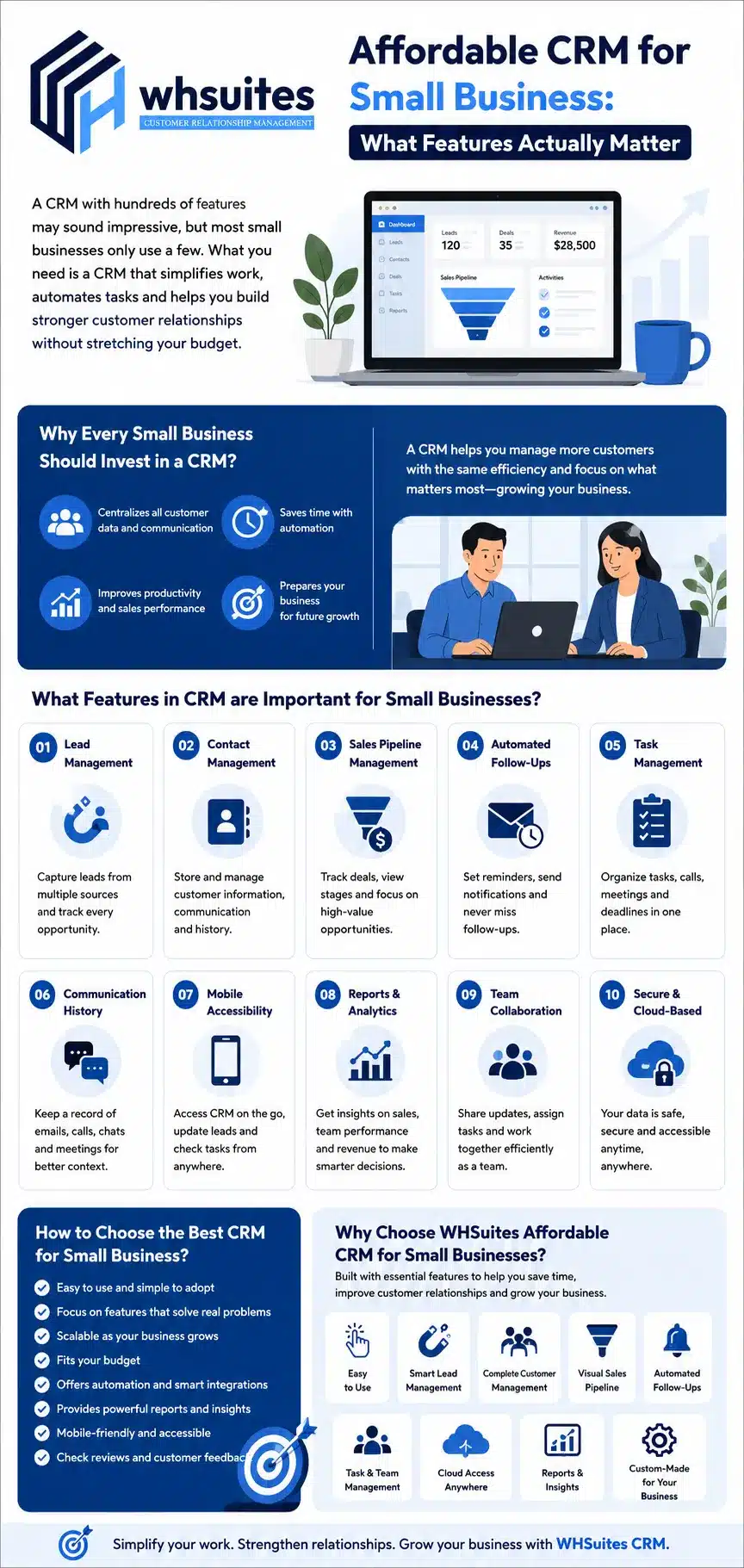
Why Every Small Business Should Invest in a CRM?
One business is small today, but that doesn’t mean it will remain the same in future. As your business grows, so do your customer interactions. Leads start coming from the website, social media, phone calls, email campaigns and online marketplaces. If you manage all this information manually, then it can quickly become overwhelming.
A CRM eliminates all confusion by bringing all your customer data, conversion, tasks and sales activities into one organized system. With CRM, your team always knows who the customer is, what they’ve discussed and what needs to happen next.
More importantly, a CRM helps small businesses prepare for growth. As your customer base expands, you don’t need to change the way of working; you simply manage more customers with the same level of efficiency.
Check 7 Signs Your Small Business Needs a CRM (Not Just Spreadsheets)
What Features in CRM are Important for Small Businesses?
Let’s have a look at some most important CRM features for small businesses:
Lead Management
A customer journey always starts with a lead, and ignoring this can lose revenue before the sales process even begins. The lead management feature must be added in small business CRM that helps them:
- Collect leads from the website
- Manage multiple platform inquiries
- Automatically assign leads
- Monitor the status of every lead
- Record follow-up activities
Also Check- How CRM Software Helps Small Businesses Close Deals Faster
Customer Contact Management
A customer is not just one time sale for small businesses; there’s an opportunity to become a repeat customer. For this, the team needs quick and easy access to accurate customer information. This is why customer contact management is one of the essential features that every CRM should include. You can securely store & manage:
- Customer names and complete information
- Business or company details
- Communication history
- Important files and documents
- Personalized notes, reminders, and follow-up details
- Order and purchase history
Sales Pipeline Management
Multiple leads at one time can lose attention and lose track of who needs attention next. CRM for small businesses must have a sales pipeline management feature that keeps all your leads well-organized and in an exact format. You can:
- Track every deal perfectly
- View different sales stages
- Prioritize high-value opportunities
- Identify deals that need immediate follow-up
- Forecast future revenue more accurately
Automated Follow-Ups
One of the essential features that every CRM should have, especially for small businesses. As we know, following up is the biggest challenge for growing businesses. A busy schedule can lead to missed calls, forgotten emails or delayed responses. With this feature, small businesses can:
- Set automatic follow-up reminders
- Trigger email notifications
- Assign follow-up tasks
- Send reminders before deadlines
- Schedule calls and meetings
Task Management
When it comes to managing multiple customers, it means managing multiple tasks every single day. Task management feature really matters for small businesses as it helps the team organize:
- Daily to-do lists
- Client meetings
- Phone calls
- Project deadlines
- Sales appointments
- Team assignments
Customer Communication History
When a business remembers the previous conversation of a customer, it will always be appreciated and attracted. That’s why a small business CRM should be a customer communication history feature that records every interaction and gives your team complete context before speaking. You can get the communication history of:
- Emails
- Phone Calls
- Whatsapp conversations
- Meeting notes
- Support requests
- Customer complaints
- Follow-up activities
Mobile Accessibility
Businesses don’t stop when you leave your office, especially in small businesses. Your CRM should be like yours. A mobile-friendly CRM that allows business owners and sales teams to:
- Access customer information on the go
- Add meeting notes
- Schedule follow-ups
- Update lead status instantly
- Check pending tasks
- View reports from anywhere
Reports & Analytics
If you make business decisions based on assumptions, then it can limit your growth. A CRM should always have reports and analytics features that help you understand what’s working and where improvements are needed. Some useful CRM reports include:
- Lead conversion rates
- Sales performance
- Team productivity
- Revenue trends
- Customer acquisition sources
- Pipeline status
Team Collaboration
Every team member should know the customer information. That’s why a team collaboration feature must be in a CRM that allows access to customer information to the entire team. With this feature, you can:
- Assign leads and tasks
- Share customer updates
- Monitor team activities
- Communicate internally
- Reduce duplicate work
How to Choose the Best CRM Software for Small Businesses?
Choosing the CRM for a small business is not just about buying the most expensive or cheapest software; it’s all about finding the solution that fits your business. Here, we are sharing some key factors to consider before investing in a CRM:
- Choose a CRM that is easy to use
- Prioritize features that solve business problems
- Look for scalability
- Ensure it fits your budget
- Check automation capabilities
- Evaluate reporting and analytics
- Verify integration with your existing tools
- Consider mobile accessibility
- Read customer reviews
Why Choose WHSuites Affordable CRM for Small Businesses?
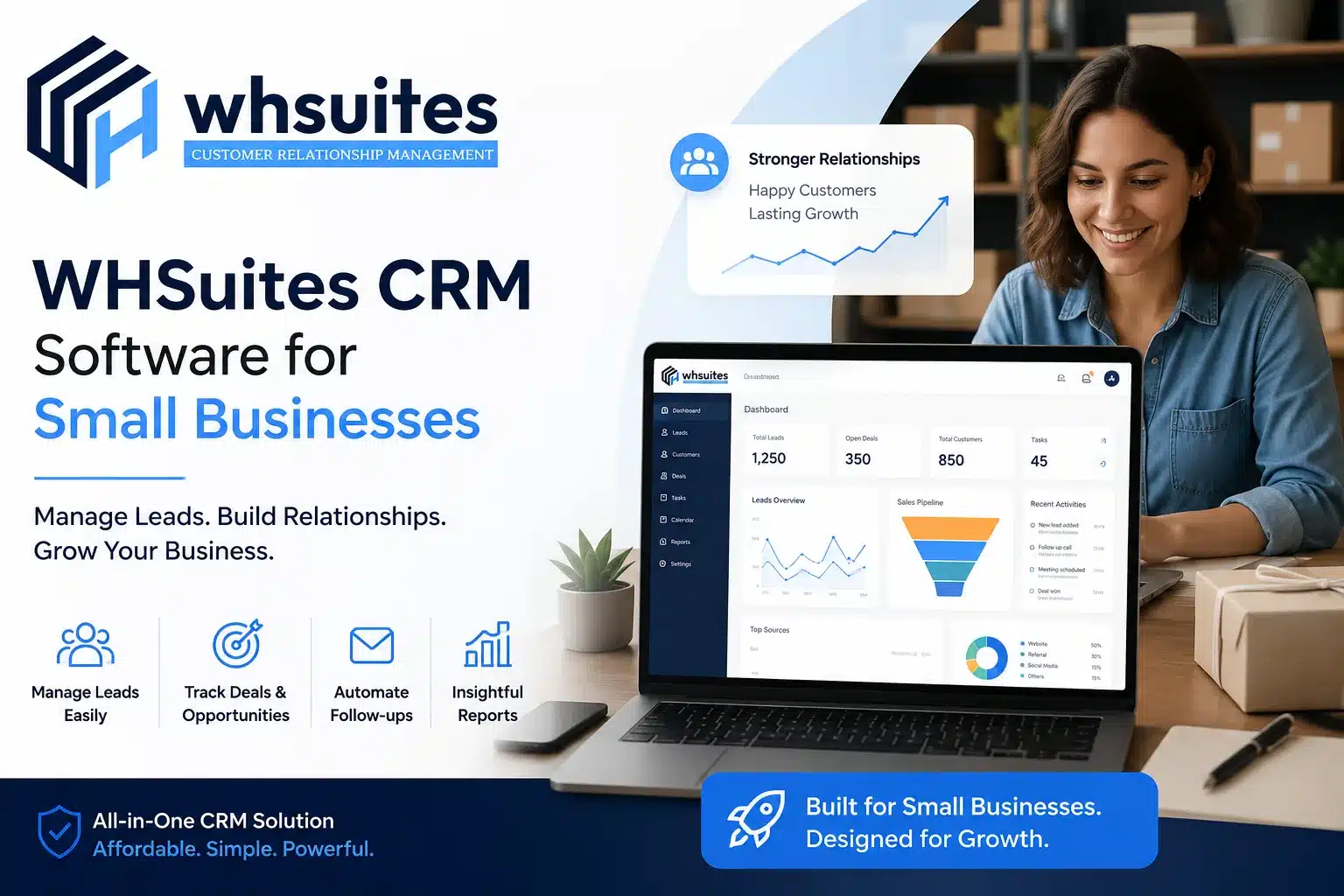
At WHSuites, we believe CRM should simplify work for small businesses, not add another layer of complexity. This is why our CRM is built with essential features that help businesses automate lead management, follow-ups, customer contact information, sales pipeline and more at affordable pricing. Our CRM for small businesses helps you to give your main focus on scaling your business, not juggling repetitive tasks.
Some reasons to choose WHSuites CRM for small businesses:
- Easy to use CRM
- Smart Lead Management
- Complete Customer Relationship Management
- Visual Sales Pipeline
- Automated Follow-Ups & Reminders
- Task & Team Management
- Cloud-Based Access Anytime, Anywhere
- Powerful Reports & Business Insights
- Custom-made that fits your business
Frequently Asked Questions about Affordable CRM for Small Business: What Features Actually Matter
Can this affordable CRM help increase sales?
Yes, this CRM by WHSuites really helps you manage every lead from the moment it enters your business until it becomes a customer. It keeps your follow-ups on schedule and organizes your sales pipeline.
Is this CRM only for the sales team?
Not at all. WHSuites CRM is used by all departments such as marketing, customer support, operations and business owners.
What small business must invest in CRM software?
If your business deals with customers, inquiries or leads, then you can benefit from CRM software.
How does a CRM reduce manual work for small businesses?
A CRM reduces manual work by automating repetitive tasks that usually consume a lot of valuable time. It automatically assigns leads, schedules follow-up reminders, tracks customer conversations, updates sales stages, manages tasks, and generates reports.
Is customer data safe in WHSuites CRM?
Yes, WHSuites CRM is specially built with data security in mind, which means your customer information is stored securely with controlled user access.
What mistakes should small businesses avoid while choosing CRM?
Choosing a CRM only based on price is the biggest mistake people ever make. Always look for software that offers the right balance of affordability, ease of use and room for future growth.