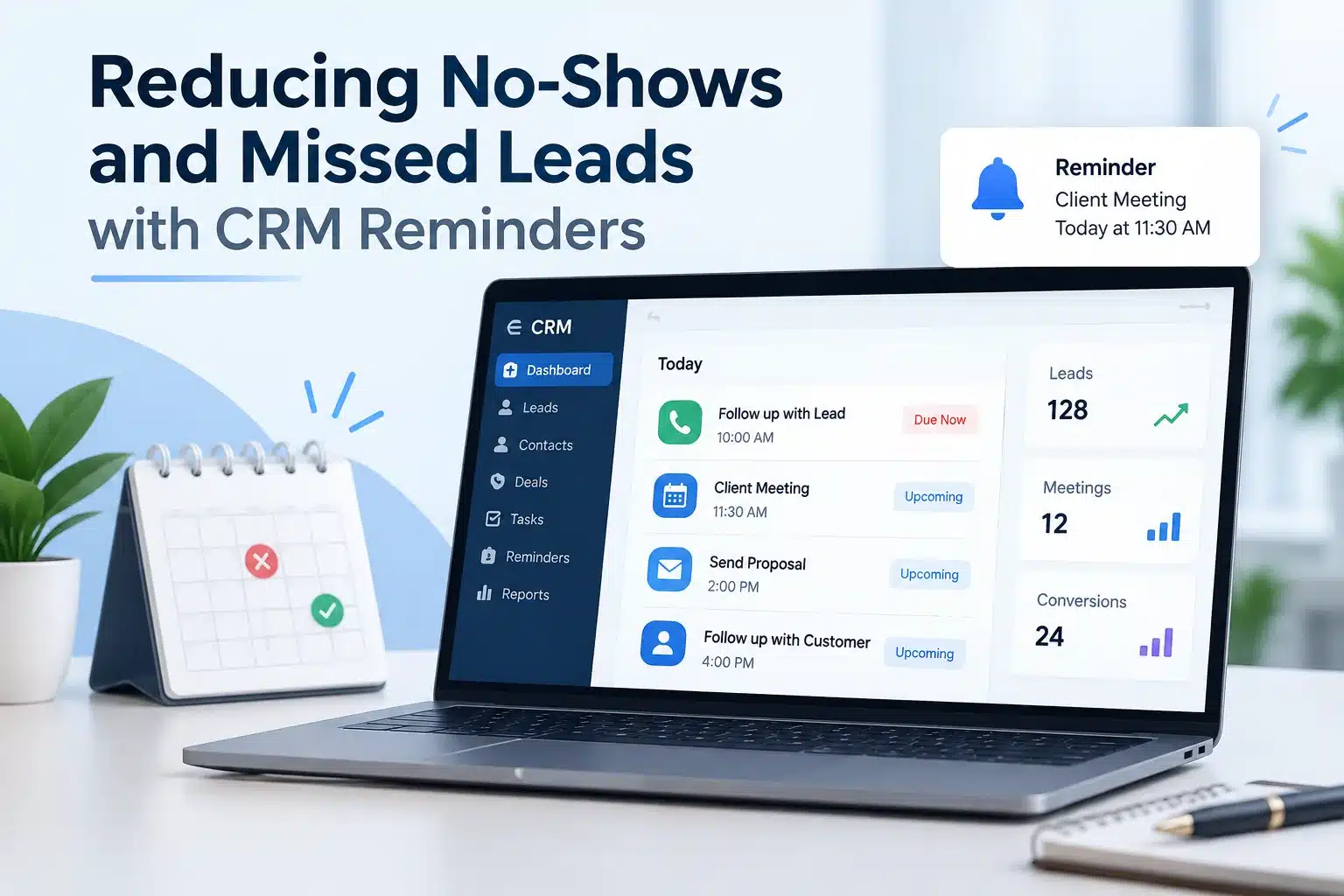
One missed call can lose a lead & one forgotten appointment can cost a sale. It happens more often than businesses realize. Due to busy days and a dozen tasks on the list, a promised callback can be missed. But not now. You don’t have to rely on memory to manage every customer interaction. With the right CRM Reminders, your business can automatically remember the important things for you.
From reminding your team to follow up with a hot lead to sending customers an appointment reminder at the right time, CRM automation helps you keep all the conversations moving and opportunities from slipping away.
With this, your every quality lead gets timely attention, and every appointment gets the right reminder. A CRM reminders has become a tool that helps your business stay connected, reduce no-shows and turn more opportunities into customers.
Understand CRM Reminders
CRM reminders are generally scheduled notifications or automated alerts inside a Customer Relationship Management System that remind users or teams about important customer-related activities.
These reminders can be created for:
Lead follow-ups
Sales calls
Meetings
Appointments
Payments
Renewals
Quote follow-ups
Trial expirations
Service appointments
Product demonstrations
Service appointments
Contract renewals
Pending enquiries
Missed Calls
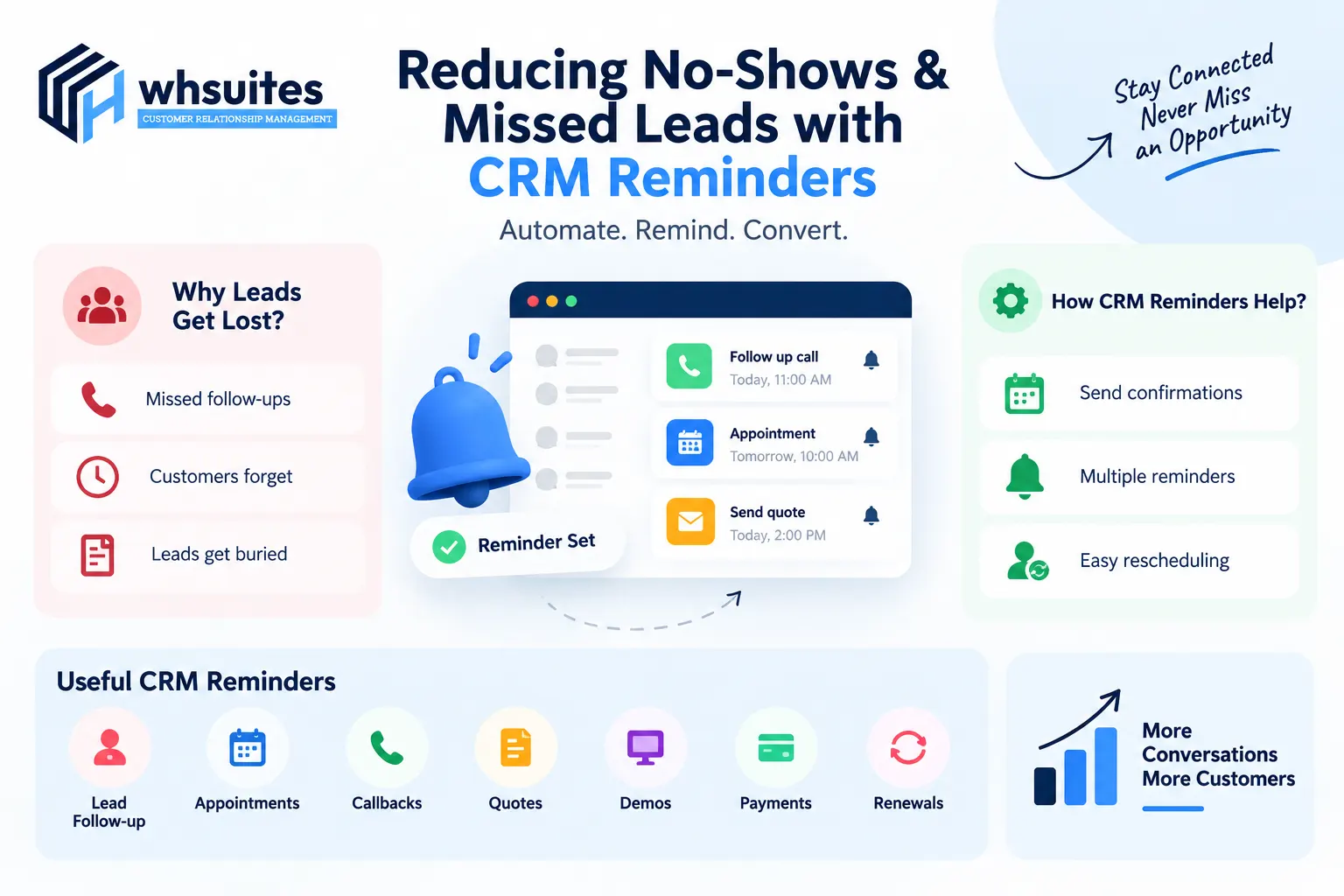
Why Do Businesses Lose Leads & Appointments?
Did you know why businesses lose leads & appointments? If not, then let’s see:
Customers Forget Appointments: In companies or the workplace, most people have busy schedules. Due to this, even an appointment they were genuinely interested in can slip their minds. Without a timely reminder, they may forget the date or time. That results in a no-show or a wasted opportunity for your business.
Sales Team Forget Follow-Ups: Sales teams often handle multiple leads, calls, meetings and tasks every day. In the middle of this, a promised callback or follow-up can easily be missed. With a simple delay, prospects may feel ignored and give you a reason to look elsewhere.
Leads Get Buried in the Pipeline: Not every lead is ready to buy immediately. Some need more information, a second conversation and a little time to decide. Without proper tracking or reminders, these leads can get pushed down the pipeline.
Manual Reminders Take Too Much Time: When your team calls or messages every customer manually, it consumes hours of time as well as leaves room for human errors. CRM reminders automate repetitive follow-ups, allowing your team to focus more on conversations that can actually drive sales.
Customers Don’t Always Respond Immediately: A customer may be interested in your product or service but simply isn’t ready to respond right away. No response doesn’t always mean no interest. With scheduled CRM reminders, you can follow up at the right time instead of giving up on a potentially valuable lead.
How Do CRM Reminders Help Reduce No-Shows?
Instead of leaving everything to memory, a CRM reminder automation can keep customers informed at the right time. Let’s see how a CRM reminder helps reduce no-shows:
Step 1: Send Automatic Appointment Confirmations
The first step in reducing no-shows is always making sure the customer knows that their appointment is confirmed.
As soon as an appointment is booked, a CRM reminder can automatically send a confirmation message with the date, time, location, meeting link or other important details.
Step 2: Send Multiple Reminders
Sometimes, a single reminder is not enough. A customer might see a message today and forget about it by tomorrow. That’s why businesses can set up multiple CRM reminders based on the appointment time.
The best part of a CRM is that it can handle the timing automatically, while your team can focus on serving customers instead of keeping an eye on the clock.
Step 3: Make Rescheduling Easier
Sometimes a customer missed due to not making it at the scheduled time. A CRM reminder can give customers an easy option to reschedule their appointment. With this, both sides can get benefits like: the customer gets flexibility, while your business gets another chance to serve genuinely interested prospects.
How Do CRM Reminders Prevent Missed Leads?
You got a lead? Good one, but making sure no enquiries get forgotten after it enters your CRM is the real challenge. But CRM reminders help us prevent missed leads. Let’s see how:
New Lead Reminder: A new lead reminder can instantly notify the assigned salesperson whenever someone fills out a form, sends an enquiry or shows interest in your product or service with CRM reminder automation.
Follow-Up Reminder: Some customers need more time, some have questions, and others simply ask you to call them later. A CRM reminder ensures those conversations don’t end with being forgotten. Your CRM can remind the salesperson when it’s time to make the next call or send a message.
Quote Reminder: CRM automation also provides you with a quote reminder that can alert your sales team to follow up after a quotation has been sent. It allows them to answer questions, discuss pricing or understand what is holding the customer back.
Demo Reminder: With a demo reminder, both the sales team and the prospects can receive on-time notification before the demonstration. This reminder can include the date, time, meeting link, product details and other useful information.
Re-Engagement Reminder: A prospect may have been interested but became busy and postponed their decision. A CRM re-engagement reminder can bring them back to your team’s attention after a suitable period.
CRM Reminders vs Manual Follow-Ups
Manual Follow-Up
CRM Reminder System
Depends on employee memory
Automated Scheduling
Easy to Forget
Consistent Reminders
Time-Consuming
Saves Operational Time
Difficult to Track
Activity is Recorded
Higher Risk of Missed Leads
Better Follow-Up Visibility
Limited Scalability
Suitable for Growing Teams
Harder to Analyze
Provides CRM Activity Data
What Type of CRM Reminders Can Businesses Use?
Different businesses carry different customer journeys; that’s why CRM reminders shouldn’t be limited to appointments. Let’s see some of the most useful types:
Lead follow-up reminders
Appointment reminders
Payment reminders
Renewal reminders
Demo reminders
Callback reminders
Inactive lead reminders
CRM Reminders for Different Industries
Yes, that’s true. CRM reminder automation isn’t just limited to one business category; it is for all industries, including:
Healthcare
Real-estate
Education
Automotive
SaaS & IT
Professional Services
Which CRM Reminder is Best for All Types of Businesses?
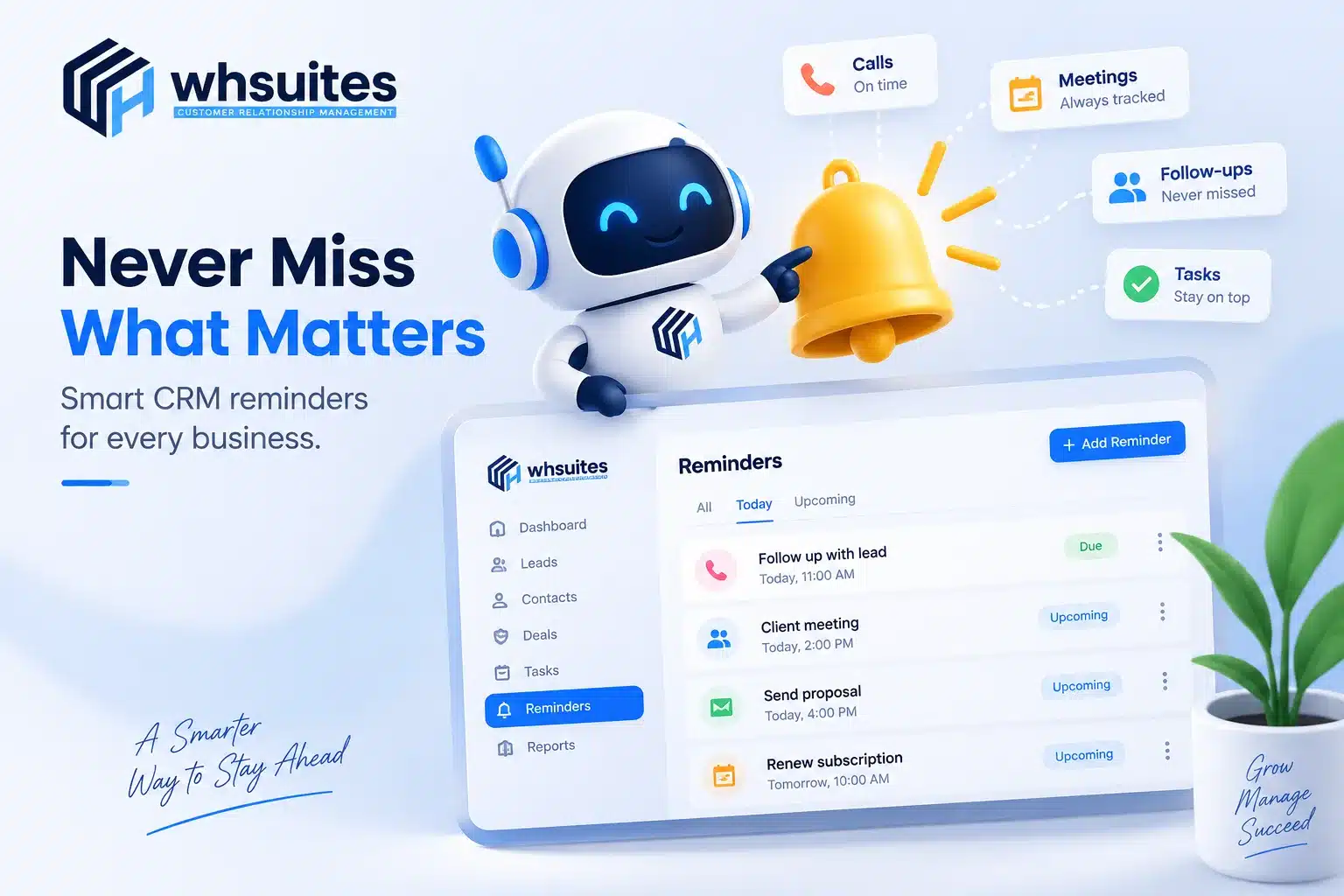
For those businesses that are looking for an organized way to manage these activities, WHSuites CRM can help bring important customer interactions and follow-ups into one place. No need to switch between spreadsheets, notes and separate reminder tools; businesses can use CRM based on reminders to keep their teams aware of what needs attention.
Some reasons to choose WHSuites CRM Reminders:
Never miss an important follow-up
Keep your team on the same page
Reduce manual work
Stay ahead of appointments
Bring cold leads back to life
Keep every conversation organized
Turn reminders into real opportunities
Frequently Asked Questions about Reducing No-Shows and Missed Leads with CRM Reminders
Question. How exactly can CRM reminders help me stop missing important leads?
Answer: CRM reminders generally help you stay on top of every lead by reminding you when it’s time to make a call, send a message and take the next step. With this, you don’t need to rely on memory or scattered notes. Your team can see which leads need attention and follow up at the right time.
Question. Can we also use CRM reminders to reduce customers missing their appointments?
Answer: Yes, you can also use CRM reminders to send customers timely appointment confirmations and reminders before their scheduled time. With this, you can keep the appointment fresh in their mind and give them an opportunity to confirm and reschedule if plans change.
Question. Can your CRM also remind me to follow up after sending a quotation?
Answer: Yes, once the quotation is shared, a CRM follow-up reminder can help you remember to reconnect with the prospect after a suitable period. Along with this, you can check whether they have reviewed the quotation, answer questions or simply understand what is keeping the deal from moving forward.
Question. Can we also remind customers about demos, meetings and consultations?
Answer: Absolutely. CRM reminders can also be useful for more than sales follow-ups. You can schedule reminders for product demos, meetings, consultations, site visits and other customer interactions.
Question. Do we have to manually send every CRM reminder?
Answer: Not at all. With CRM automation, many reminders can be scheduled in advance or triggered by specific activities. That means your team doesn’t have to remember every reminder or spend time sending repetitive messages.
Question. How can CRM reminders help my team stay organized?
Answer: CRM reminders give your team a clearer view of what needs to be done and when. So, no need to check spreadsheets, notes, emails & different task lists; team members can easily manage customer-related activities through the CRM.