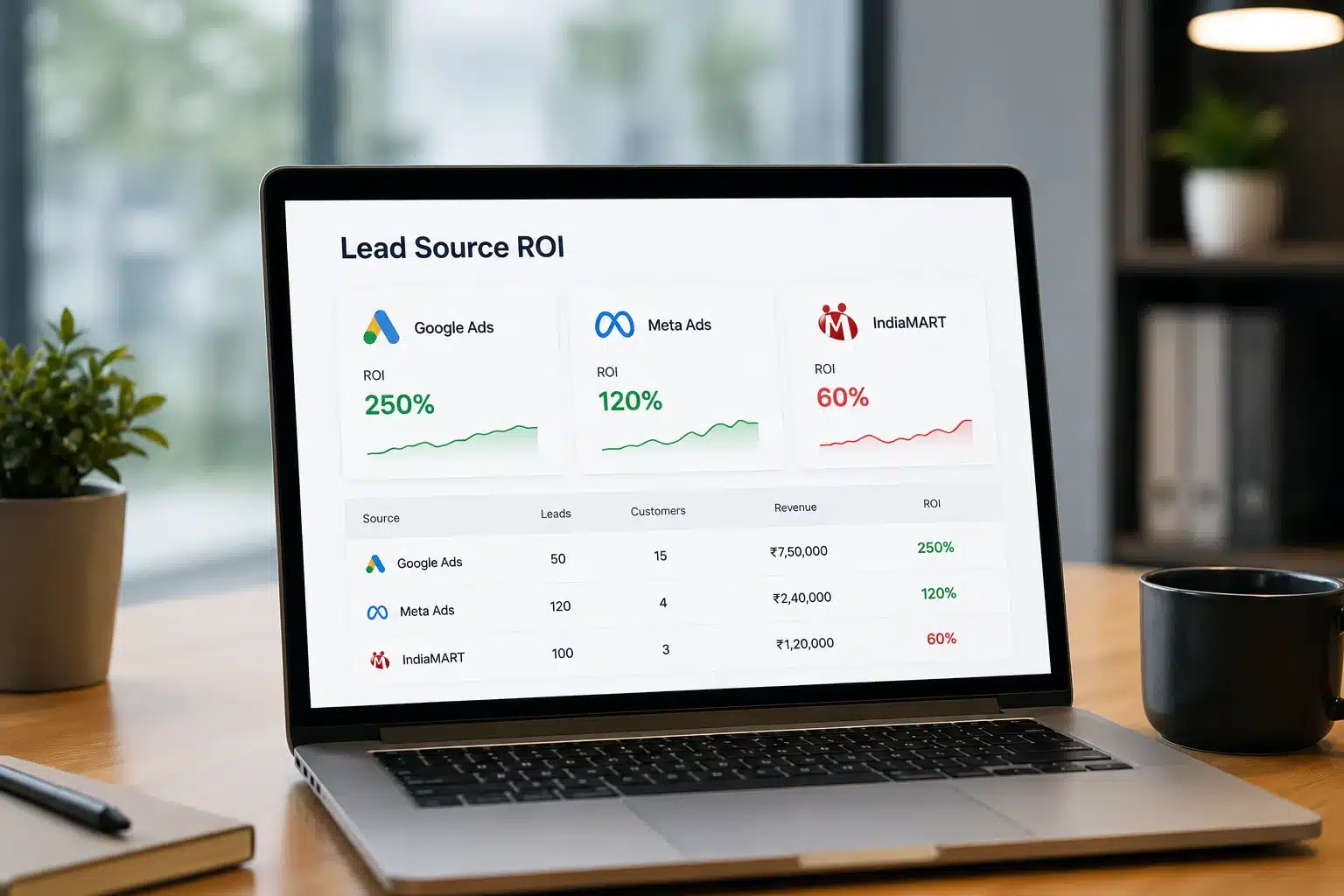
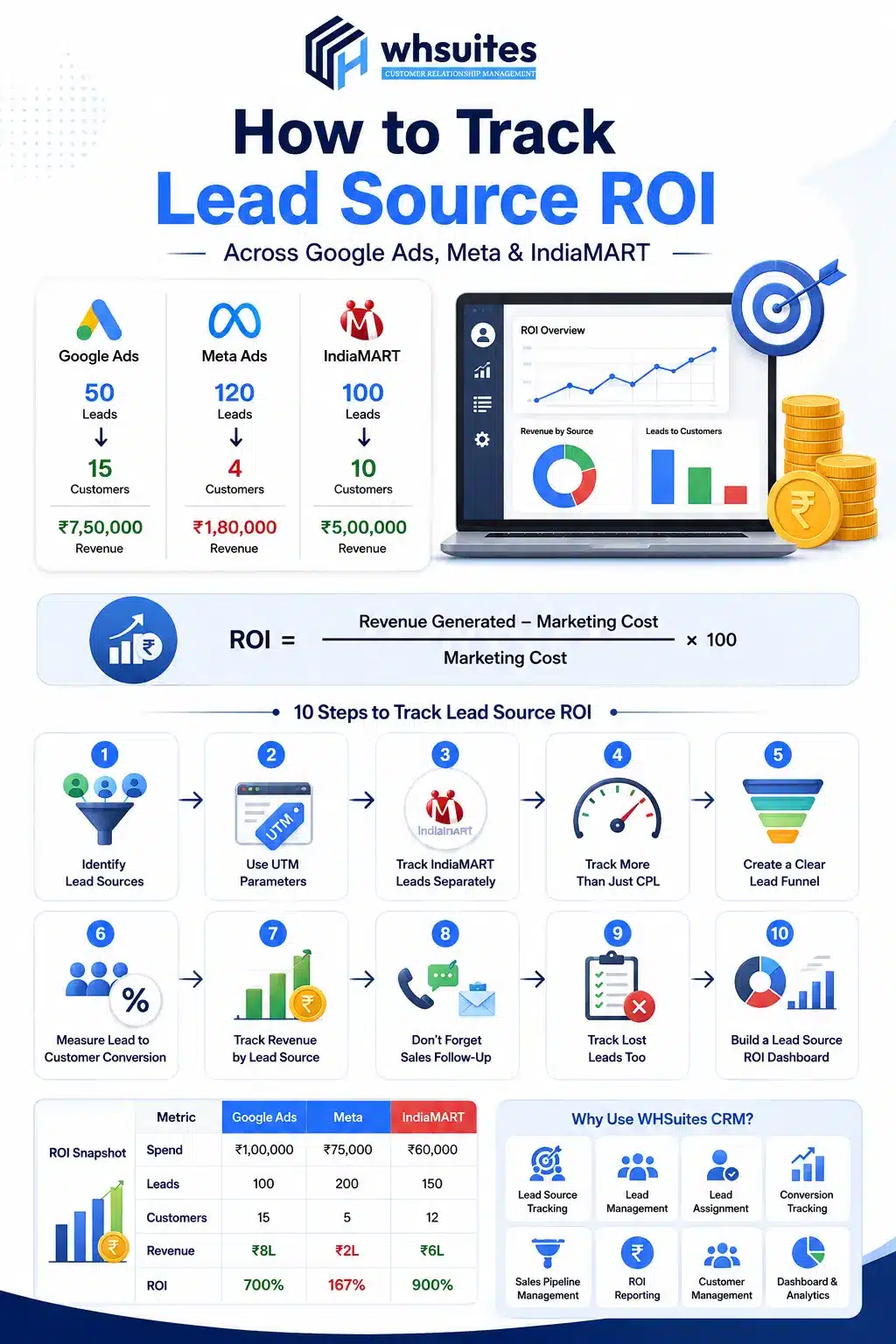
Imagine Google Ads brings 50 leads, Meta brings 120, & IndiaMART sends another 100. Which one will be your best-performing channel? Meta, right? No doubt, Meta brings most of the leads, but what if Google’s only 50 leads bring 15 customers while Meta only has 4? This is where most businesses lack & give efforts to the wrong marketing channel.
But now, things have changed. You can track lead source ROI & it’s all thanks to customer relationship management (CRM) software. With it, you can easily identify which platform is actually driving profitable growth, which campaigns need improvement & where your marketing budget deserves more attention.
If you are looking to grow your business by understanding the exact marketing channel lead ROI, this guide is for you. In this, we are going to discuss how to track lead source ROI across Google Ads, Meta & IndiaMART.
Why Does Lead Volume Tell the Exact Story?
500 leads sounds better than 100, right? But what if only 10 actual customers come from 500 & 30 from 100? You can consider the following example:
Channel
Lead
Customer
Revenue
Google Ads
50
15
₹7,50,000
Meta Ads
120
4
₹1,80,000
IndiaMART
100
10
₹5,00,000
This table shows why people should stop asking: “Which channel gives us the most leads?” and start asking, “Which channel gives us the most valuable customers?”
Understand Lead Source ROI
Lead source ROI generally tells you how much business value you generate from the money invested in a particular lead source.
How to Track Lead Source ROI Across Google Ads, Meta & IndiaMART?
Let’s see a step-by-step guide on how to track lead source ROI across Google Ads, Meta & IndiaMART:
Step 1: Identify Every Lead Source
First of all, understanding where your leads are coming from is important. This is an area where businesses often lose valuable data. That’s why always start by creating clear lead source categories, such as:
Google Ads
IndiaMART
Organic Search
Meta Ads
Email
Referral
Existing Customer
Phone Call
Other Paid Campaign
When you capture any lead, always try to record name, contact details, lead source, campaign name, ad, date of enquiry, lead status and more.
Step 2: Use UTM Parameters for Google Ads & Meta
If your website is getting paid traffic, then don’t rely only on the advertising platform’s dashboard. Always use UTM parameters to give every campaign a recognizable identity. Along with this, you can also use additional parameters to identify specific campaigns, ad sets, creatives or other campaign elements.
Step 3: Track IndiaMART Lead Separately
IndiaMART leads should have their own source category. This is because IndiaMART enquiries behave differently from website traffic generated through Google Ads or Meta. If you add these enquiries to your general CRM pipeline, you won’t know how much business IndiaMART is actually generating.
And immediately decides Meta is better. But CPL doesn’t tell you whether that inquiry was valuable. Check this using the formula:
CPL = Total Marketing Spend ÷ Total Leads
In this, also monitor:
Lead-to-customer conversion rate
Qualified lead rate
Cost per opportunity
Revenue per lead
Average deal value
Customer acquisition cost
ROI
ROAS
Customer Lifetime Value
Step 5: Create a Clear Lead Funnel
Once you define all the sources, start tracking what happens to each lead. A simple funnel could look like:
New lead
Contacted
Qualified
Opportunity
proposal/quotation
Won/Lost
Revenue
This kind of information helps you make better budget decisions.
Step 6: Measure Lead-to-Customer Conversion Rate
Now, let’s come to an important step where we see how many leads actually become customers. For this, the formula is simple:
Lead-to-Customer Conversion Rate = Customers ÷ Total Leads × 100
You can take this step further by tracking conversion rates at different funnel stages:
Leads to Qualified
Qualified to Opportunity
Opportunity to Proposal
Proposal to Customer
This reveals exactly where a channel is struggling.
Step 7: Track Revenue by Lead Source
This step turns tracking into real ROI tracking. In this, you can assign the revenue generated by each customer back to the original lead source wherever your attribution model allows.
Step 8: Don’t Forget Sales Follow-Up
What happens after the leads arrive? Yes, you can run an excellent Google Ads campaign, generate highly relevant enquiries & still get poor results if your sales team takes too long to respond. You should analyze lead source ROI through sales activity. Track:
First response time
Number of calls
Follow-up attempts
WhatsApp conversation
Emails
Meetings
Quotations sent
Negotiations
Outcome
Step 9: Track Lost Leads Too
A lost lead doesn’t mean it is useless. In fact, your lost lead data can tell you a lot about your marketing & sales process. Don’t record an opportunity just as a loss; instead, record a reason like:
Price too high
Competitor selected
No response
Not interested
Wrong requirement
Budget issue
Timing issue
Product unavailable
Poor fit
Duplicate enquiry
This helps you to use your CRM data more than just reporting.
Step 10: Build a Lead Source ROI Dashboard
Now comes the final step, where you bring everything together. Your CRM dashboard can be divided into four sections like:
Acquisition Metrics
Lead Quality Metrics
Sales Metrics
Revenue Metrics
Your final report looks like:
Metric
Google Ads
Meta
IndiaMART
Spend
₹1,00,000
₹75,000
₹60,000
Leads
100
200
150
Qualified Leads
55
45
80
Customers
15
5
12
Conversion Rate
15%
2.5%
8%
CAC
₹6,667
₹15,000
₹5,000
Revenue
₹8L
₹2L
₹6L
ROI
700%
167%
900%
Bring Lead Tracking & Sales Data Together with WHSuites CRM
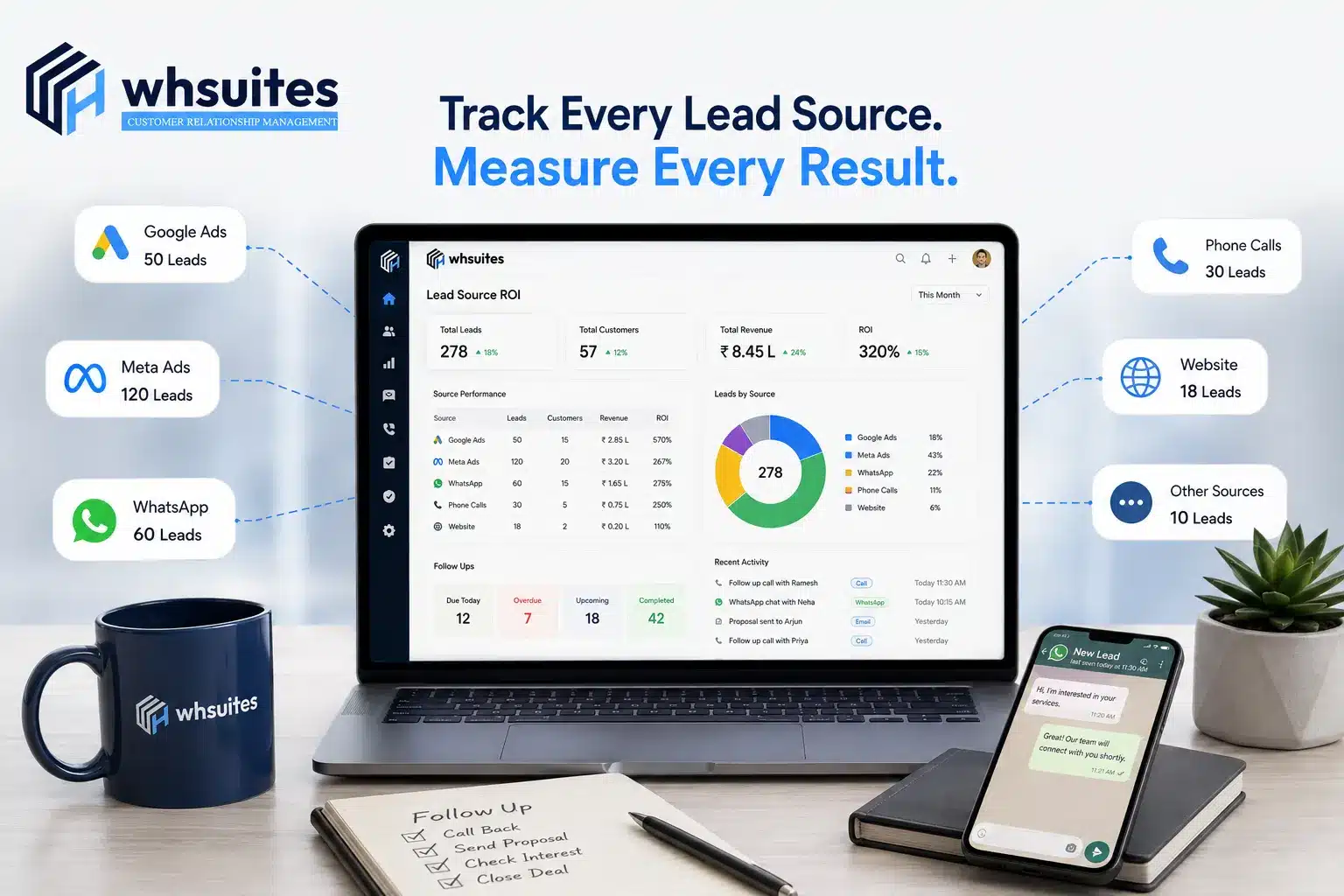
Tracking lead ROI becomes much easier when your marketing & sales data aren’t scattered across different spreadsheets, dashboards and communication channels. This is where WHSuites CRM helps businesses bring all their lead management and sales processes into a more organized system.
Instead of checking separate sheets for Google ADS, Meta or IndiaMART, you can get a clear picture of the entire journey in the CRM. You can track features like:
Frequently Asked Questions about How to Track Lead Source ROI Across Google Ads, Meta & IndiaMART
Question. What mistakes should we avoid while tracking lead source ROI?
Answer: The biggest mistake to avoid is tracking only the number of leads without checking their quality, using inconsistent UTM parameters, ignoring offline conversions & failing to connect leads with sales data.
Question. What should I track besides lead volume?
Answer: Besides lead volume, you should track metrics such as qualified leads, conversion rate, cost per lead, cost per qualified lead, sales generated, revenue, customer acquisition cost and ROI.
Question. What’s the difference between CPL & CPC?
Answer: CPC tells you how much you pay for each click on your advertisement, while CPL shows how much you spend to generate a lead.
Question. Why should we include sales follow-up in lead ROI tracking?
Answer: Honestly, not every lead becomes a customer immediately. Sales follow-up helps you track all of qualified leads and their chances of converting.
Question. How exactly does CRM help with lead source tracking?
Answer: A CRM records where each lead came from, like Google Ads, Meta, IndiaMART or phone calls. After that, a CRM can track the lead through follow-ups, qualification, sales stages & final conversion.
Question. Can I also track leads that come from phone calls?
Answer: Yes, you can also track phone leads by using call tracking numbers, dynamic number insertion, call extensions, or CRM integration.
Question. How can we identify which Meta ad generates the most revenue?
Answer: By using the Meta Pixel and Conversion API, along with properly configured UTM parameters & adnnamese, you can easily connect leads to sales and revenue data in your CRM.
Question. Can we also include WhatsApp in lead source tracking?
Answer: Yes, WhatsApp leads can also be tracked by using unique links, UTM parameters, click-to-WhatsApp ads, WhatsApp Business integration and CRM automation.